
Most people don’t lose personal data to sophisticated hacking — they lose it to reused passwords, oversharing, and skipped software updates. Protecting yourself online doesn’t require technical expertise, just a handful of consistent habits applied across the accounts and devices you already use.
- Use Strong, Unique Passwords
- Use a Password Manager
- Turn On Two-Factor Authentication
- Be Cautious With What You Share Publicly
- Think Before Posting Real-Time Location
- Recognise and Avoid Phishing Attempts
- Verify Independently
- Keep Software and Devices Updated
- Use Secure, Trusted Networks
- Limit What You Share With Apps and Websites
- Be Selective About Account Creation
- Monitor Your Accounts Regularly
- Protection Is a Habit, Not a One-Time Fix
Use Strong, Unique Passwords
Reusing the same password across multiple sites means one breach anywhere exposes every account using it. A strong, unique password for each account — long, unpredictable, and unrelated to personal details like birthdays or names — closes off the most common way accounts get compromised.
Use a Password Manager
Remembering dozens of unique passwords isn’t realistic without help. A password manager generates and stores strong passwords securely, removing the temptation to reuse simple ones out of convenience.
Turn On Two-Factor Authentication
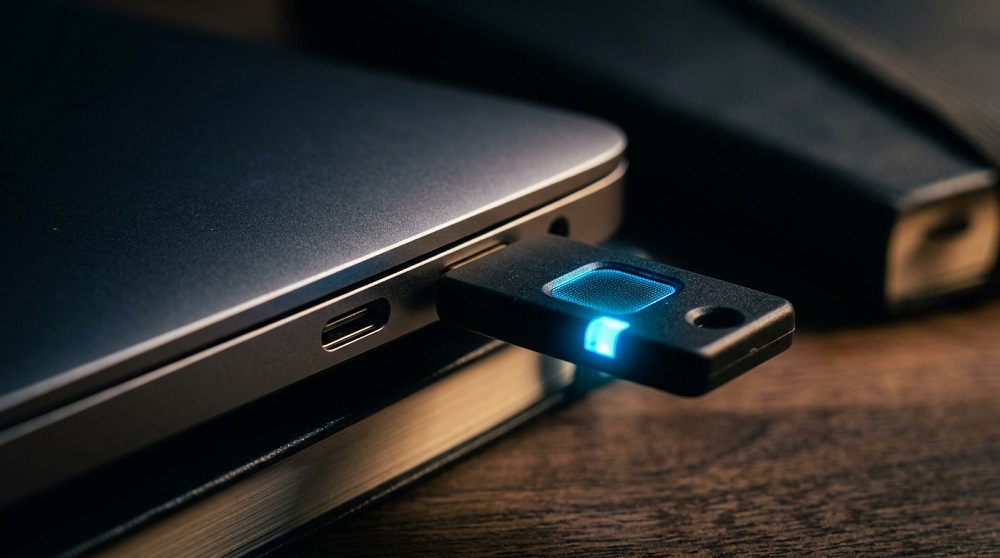
Two-factor authentication adds a second verification step — a code sent to your phone, an authenticator app, or a physical key — beyond just a password. Even if a password is compromised, this second layer usually stops an attacker from gaining access.
Prioritise enabling it on the accounts that matter most: email, banking, and anywhere payment information is stored, since these often serve as the gateway to resetting access elsewhere.
Be Cautious With What You Share Publicly
Details that seem harmless individually — a birthday, a pet’s name, a hometown — are frequently used as security question answers or password-guessing clues. Reviewing privacy settings on social media and limiting what’s visible to the public reduces the raw material available to anyone attempting to impersonate or target you.
Think Before Posting Real-Time Location
Sharing location in real time, particularly showing you’re away from home, carries risks beyond privacy alone. Delaying posts until after the fact reduces this exposure.
Recognise and Avoid Phishing Attempts
Phishing — fraudulent messages designed to trick you into revealing information or clicking a malicious link — remains one of the most common ways personal data gets stolen. Warning signs include urgent language, requests for sensitive information, unfamiliar senders, and links that don’t match the organisation they claim to be from.
Verify Independently
If a message claims to be from a bank, employer, or service you use, contact them directly through a known number or website rather than clicking a link or replying to the message itself.
Keep Software and Devices Updated
Software updates frequently patch security vulnerabilities that attackers actively exploit. Delaying updates, particularly for operating systems, browsers, and antivirus software, leaves known gaps open longer than necessary.
Use Secure, Trusted Networks
Public Wi-Fi networks are often unsecured, making data transmitted over them easier to intercept. Avoid accessing sensitive accounts — banking, email, anything requiring a password — over public networks, or use a reputable VPN if it’s unavoidable.
Limit What You Share With Apps and Websites
Many apps and websites request more access than they actually need. Reviewing app permissions periodically — location, contacts, camera, microphone — and revoking anything unnecessary reduces the amount of personal data collected in the first place.
Be Selective About Account Creation
Creating an account for every service you use expands the number of places your data is stored, and each one becomes a potential point of exposure in a future breach. Using guest checkout or declining unnecessary sign-ups where possible limits this footprint.
Monitor Your Accounts Regularly
Periodically checking bank and credit statements, along with using breach-notification services that alert you if your email appears in a known data breach, helps catch unauthorised activity early rather than months after the fact.
Protection Is a Habit, Not a One-Time Fix
None of these measures require technical skill, and most take minutes to set up. Strong passwords, two-factor authentication, cautious sharing, and regular software updates form a baseline that meaningfully reduces risk — not by eliminating every threat, but by removing the easiest paths attackers rely on.