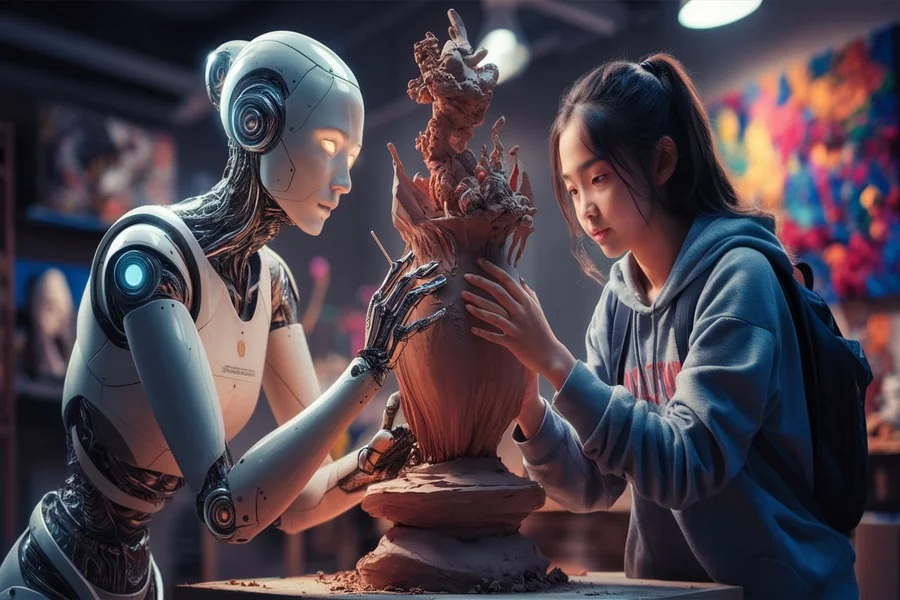
A picture can start with almost anything: a sentence, a rough sketch, a product photograph, a mood, or even a problem that needs a visual solution. For a long time, turning that starting point into a finished image required a combination of design software, technical knowledge, stock resources, and manual editing. Artificial intelligence is changing that creative journey by making the distance between an idea and a visual result much shorter.
Modern AI image technology is not limited to producing pictures from empty prompts. It can also help transform existing visuals, experiment with different directions, and refine individual elements. Tools such as a Nano Banana 2.5 image editor fit into this wider movement toward more interactive image creation, where users can describe a desired result and work from references instead of relying entirely on manual adjustments.
- The New Starting Point for Visual Creation
- Why Visual Experimentation Matters
- Working With References Instead of Blank Prompts
- Giving the Image a New Environment
- Creating Visuals for Different Audiences
- The Role of Composition in AI Editing
- AI and Content Creation
- Building a Repeatable Creative Process
- When Less Instruction Can Be Better
- Checking the Details Before Publication
- Where AI Editing Fits Into Professional Design
- Frequently Asked Questions
- Final Thoughts
The New Starting Point for Visual Creation
Traditional design usually begins with a canvas. AI-assisted creation can begin with an intention.
That difference is important.
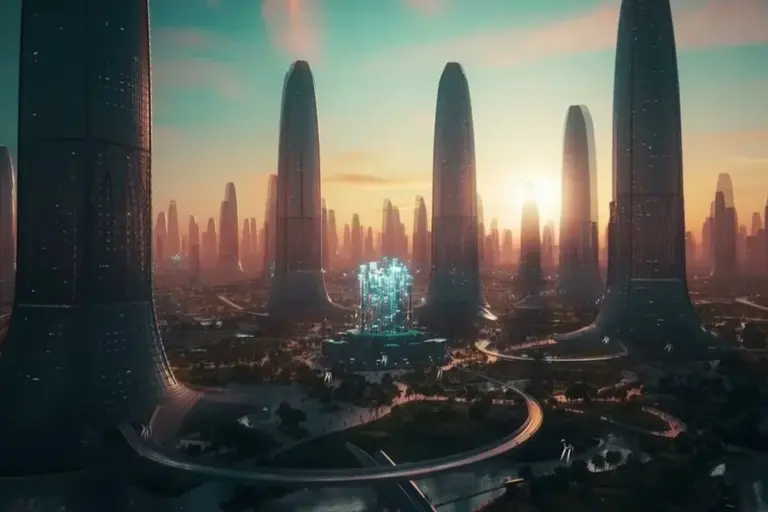
A creator might know that a campaign needs a futuristic product scene without knowing exactly how the final composition should look. Instead of spending hours constructing the scene from separate elements, AI can help turn the concept into several early visual directions.
These initial results do not have to be perfect. Their purpose can simply be to reveal what the idea might look like.
Once a promising direction appears, the creator can refine it, adjust the composition, and develop it into a more useful asset.
Why Visual Experimentation Matters
Creative work often improves through experimentation. The first idea may be acceptable, but another version might communicate the message more effectively.
The problem is that producing alternatives manually can take considerable time.
AI reduces some of that friction. A creator can test different environments, moods, compositions, and styles without rebuilding an entire visual from the beginning.
For example, a marketing team developing a campaign could explore a clean studio presentation, a lifestyle setting, and a dramatic cinematic concept before deciding which direction fits the brand.
The goal is not to generate endless variations. It is to make meaningful experimentation easier.
Working With References Instead of Blank Prompts
Not every project needs a completely new image.
Sometimes the most valuable part of a visual already exists.
A product may have an approved photograph. A designer may have a rough sketch. A photographer may have captured the correct subject but used an unsuitable background. A creator may have an illustration that needs a different visual treatment.
Reference-based AI editing provides a way to build from that existing material.
CapCut’s current AI image workflow includes image-to-image functionality where users can upload a photo, sketch, product shot, or other reference and guide changes with a prompt.
This approach can be more practical than starting over because the creator already has a foundation to work from.
Giving the Image a New Environment
One of the most useful applications of AI editing is changing the context surrounding an existing subject.
Consider a product photographed against a plain background. The product itself may be perfectly suitable, but the image might not communicate the lifestyle associated with it.
AI can help explore alternative environments.
A coffee machine could be visualized in a modern kitchen. A pair of running shoes could be placed in an outdoor setting. A piece of furniture could be presented inside a contemporary room.
These concepts can help marketers explore how a product might be presented before producing final photography.
However, the original product should remain accurate. AI-generated surroundings should not change important characteristics that customers need to see clearly.
Creating Visuals for Different Audiences
A single idea may need different visual treatments depending on the audience.
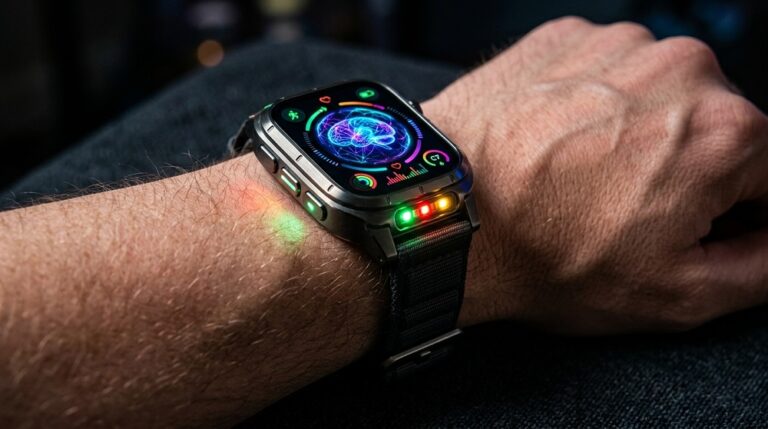
A technology company, for instance, might want one image for a professional presentation and another for social media. The underlying message can remain the same while the composition, atmosphere, and format change.
AI editing makes this kind of adaptation easier to explore.
Creators can think about the audience first and then adjust the visual accordingly. A professional presentation may benefit from a restrained composition, while a social post may require a stronger focal point.
This makes AI useful not only as an image generator but also as a tool for visual communication.
The Role of Composition in AI Editing
Good images are not defined only by their subjects.
Composition matters just as much.
Where an object is positioned, how much empty space surrounds it, where the light falls, and how the viewer’s attention moves through the image can all affect its usefulness.
AI prompts can include these considerations.
For example, a creator preparing a website banner might request the primary subject on the left side with open space on the right for a headline. This is more purposeful than simply asking for a beautiful image.
Thinking about composition before generation can reduce unnecessary revisions later.
AI and Content Creation
Bloggers, publishers, and content teams constantly need supporting visuals.
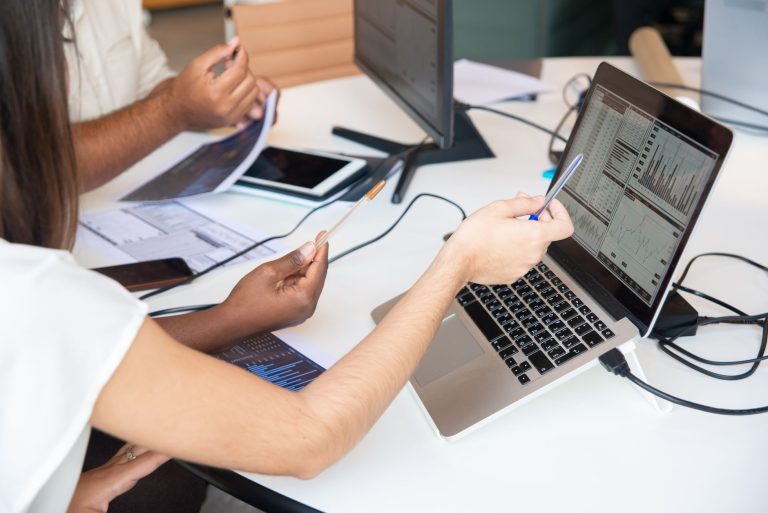
A written article about technology may require an abstract digital scene. A travel article might need an atmospheric location concept. A business article may benefit from a professional workspace image.
AI can help create visuals that are specifically connected to the subject rather than relying entirely on generic stock photography.
The important factor is relevance.
An image should strengthen the content’s message. A technically impressive visual that has little connection to the article may add less value than a simple image that clearly supports the topic.
Building a Repeatable Creative Process
AI becomes more useful when it is treated as part of a repeatable workflow rather than a one-click solution.
A practical process can begin with a clear brief.
The creator decides what the image needs to communicate, identifies the essential subject, selects a reference if necessary, and describes the intended style.
After generating a first result, the creator reviews it against the original brief. Instead of changing everything at once, individual problems can be addressed separately.
This creates a cycle:
Brief → Create → Review → Refine → Approve
Such a process helps prevent random experimentation from taking over the project.
When Less Instruction Can Be Better
Detailed prompts are useful, but more words do not automatically mean better results.
A prompt containing too many unrelated instructions can create competing priorities.
If the main objective is to replace a background, the instruction should focus primarily on that change. If the objective is to alter a product’s color, unnecessary style instructions may introduce unwanted variations elsewhere.
Focused instructions make results easier to evaluate.
Creators can then add another adjustment after reviewing the first result.
Checking the Details Before Publication
AI-generated visuals can look convincing while still containing small inaccuracies.
Text may require checking. Product labels can change. Objects may have unusual proportions. Shadows and reflections may not always behave as expected.
This is why visual inspection remains important.
For professional use, creators should compare the final result with the original reference whenever accuracy matters. Important brand elements should receive particular attention.
AI can accelerate production, but the final quality check should still belong to a person.
Where AI Editing Fits Into Professional Design
AI does not have to replace established design workflows.
It can occupy a specific position within them.
A designer might use AI to create early concepts, generate alternatives, test backgrounds, or explore a visual direction. Once the concept is approved, traditional design software can be used for precise typography, branding, layout, and final adjustments.
This hybrid approach can provide flexibility without sacrificing control.
The technology becomes another instrument in the designer’s toolkit rather than the entire toolkit.
Frequently Asked Questions
| Question | Short Answer |
| What is an AI image editor used for? | It can help create, transform, and refine images using written instructions, reference visuals, or a combination of both. |
| Can I edit an existing image with AI? | Yes. Reference-based workflows can use an existing photo, sketch, or product image as the starting point for further changes. |
| Is AI image editing useful for marketing? | Yes. Marketers can use it to explore campaign concepts, product environments, social visuals, and different creative directions. |
| How can I prevent unwanted changes to an image? | Clearly identify the element you want changed and state which important details should remain consistent. Making one major change at a time can also improve control. |
| Can AI create images for different platforms? | Yes. AI-assisted workflows can help develop visuals for social posts, banners, presentations, product pages, and other formats, although final dimensions should always be checked. |
| Should AI-generated images be reviewed before publishing? | Yes. Important details such as text, logos, product features, proportions, and composition should be checked before an image is used publicly. |
| Does using AI mean traditional design skills are no longer useful? | No. Professional design skills remain valuable for branding, typography, composition, precision editing, and final quality control. |
| Can AI help with creative brainstorming? | Yes. One of its practical uses is generating alternative visual directions that can help teams explore an idea before choosing a final concept. |
Final Thoughts
AI-powered image editing is changing the creative process by making visual experimentation more accessible. Instead of requiring every idea to be built manually from the beginning, creators can start with a concept, reference image, or rough direction and develop it through a series of guided changes.
The most useful role for AI may not be producing a finished picture instantly. Its real value can come from helping creators explore possibilities that would otherwise take much longer to visualize.
For marketers, designers, businesses, and content creators, this creates a more flexible relationship with visual content. An image can become a starting point rather than an endpoint, allowing ideas to evolve as the project develops.
The strongest results still depend on human direction. AI can generate possibilities, but people decide which possibility communicates the right message, represents the subject accurately, and deserves to become the final visual.